
Ocanom Beta – Smart Monitoring Is Live
Use the web app or the Android app. Turn a phone, computer, or camera into a smart monitor — join free early access and start today.
Why Early Users Love Ocanom
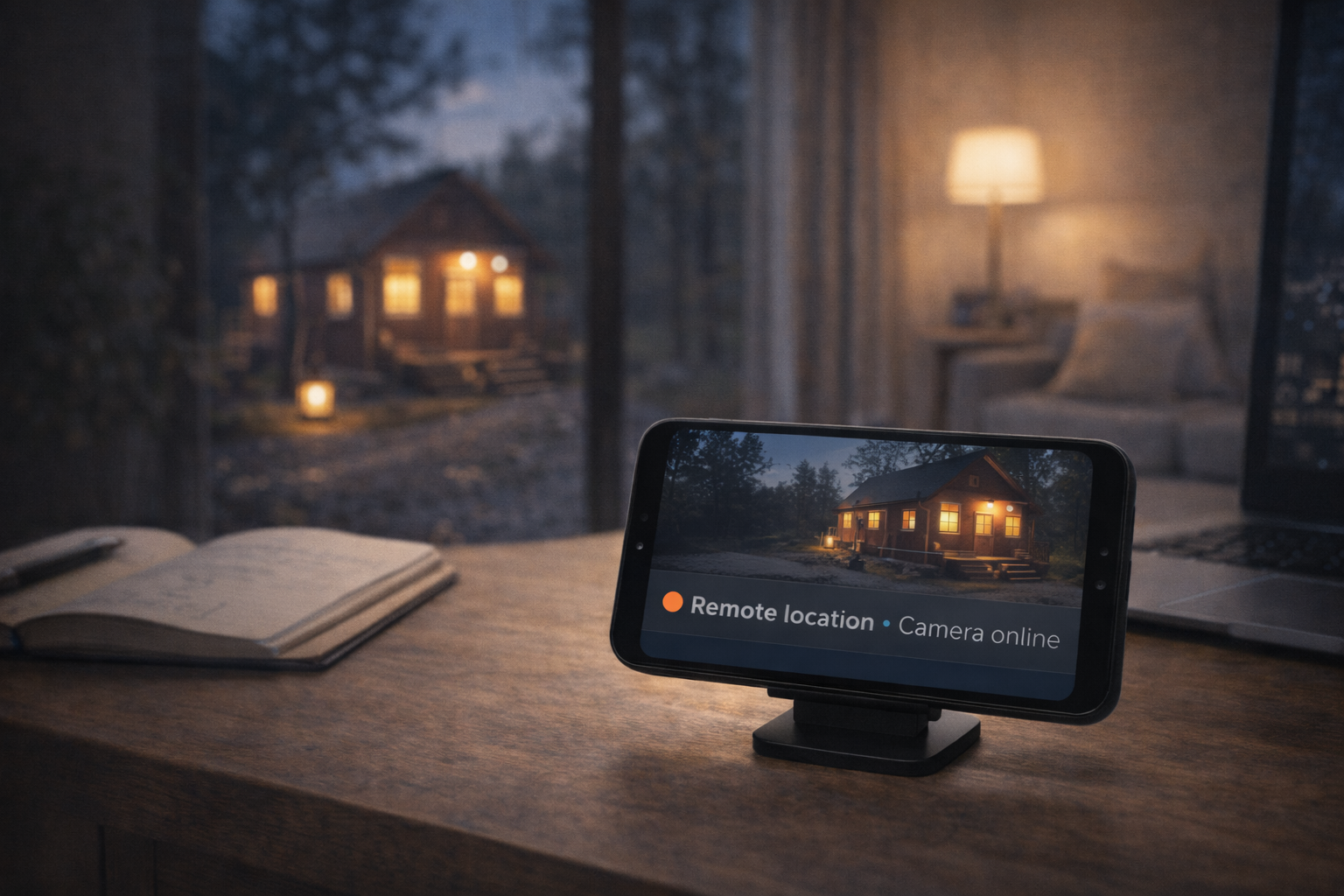
Smart Monitoring, Zero Setup
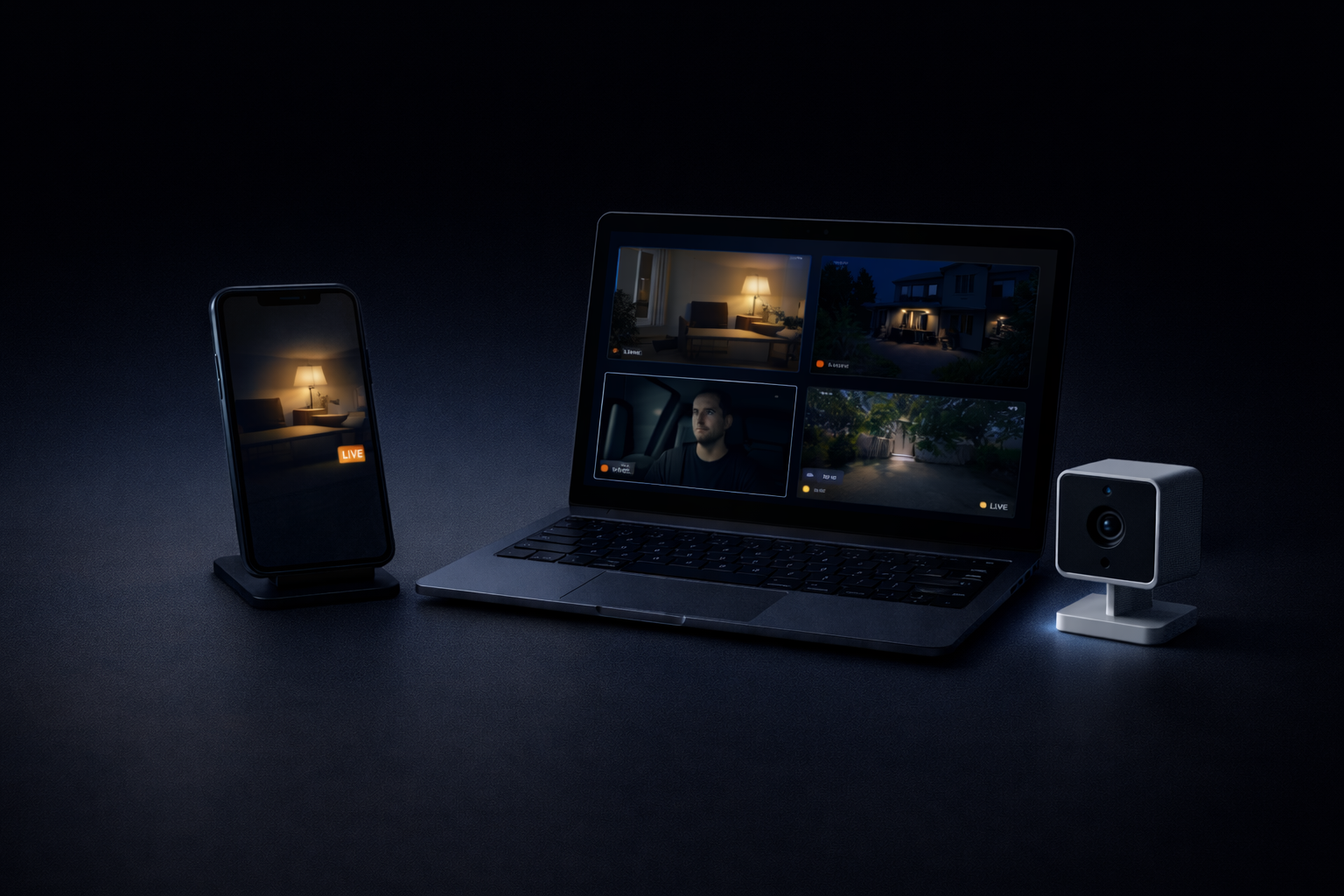
Start in minutes — no hardware required. Works with your existing phones, laptops, and tablets.

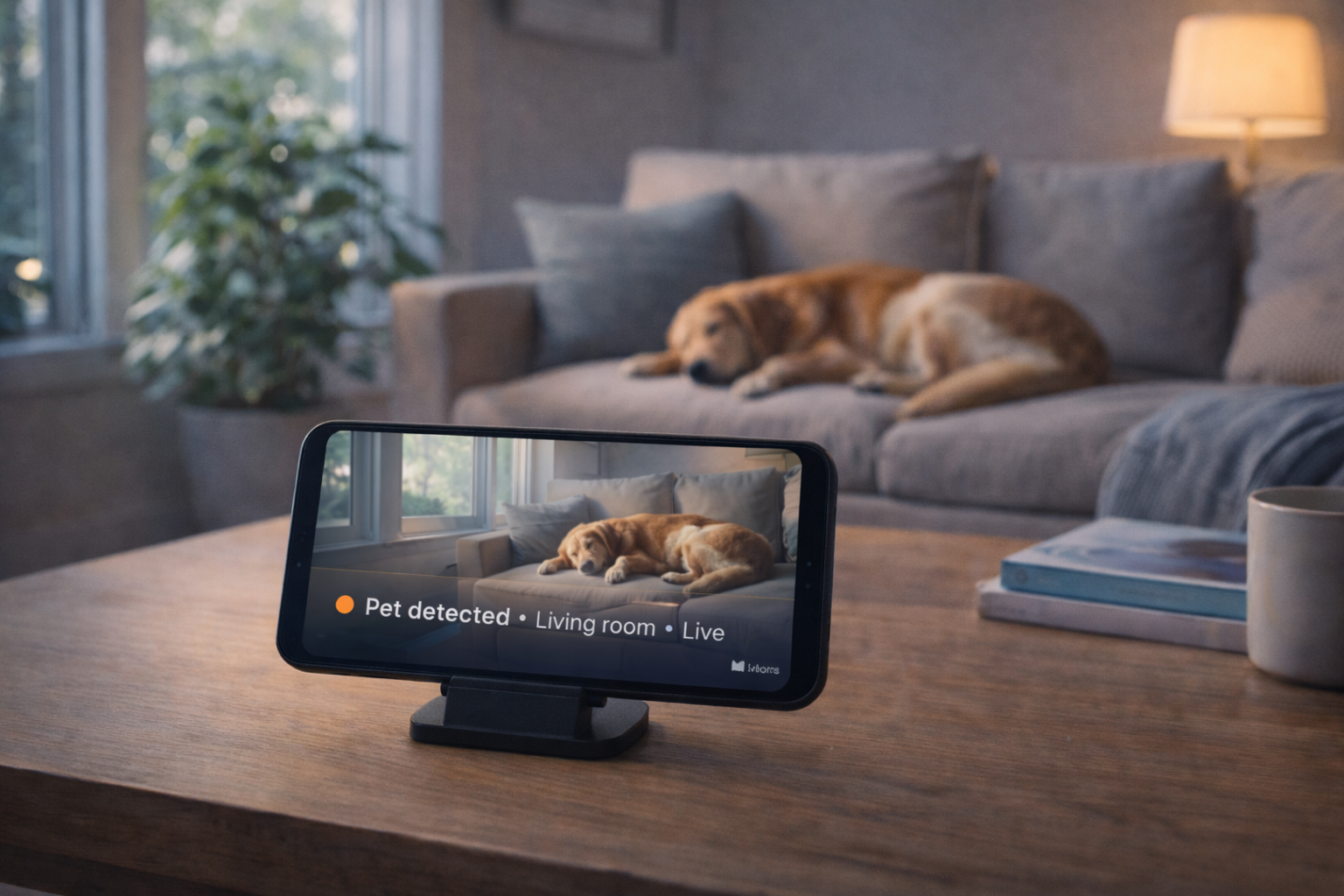
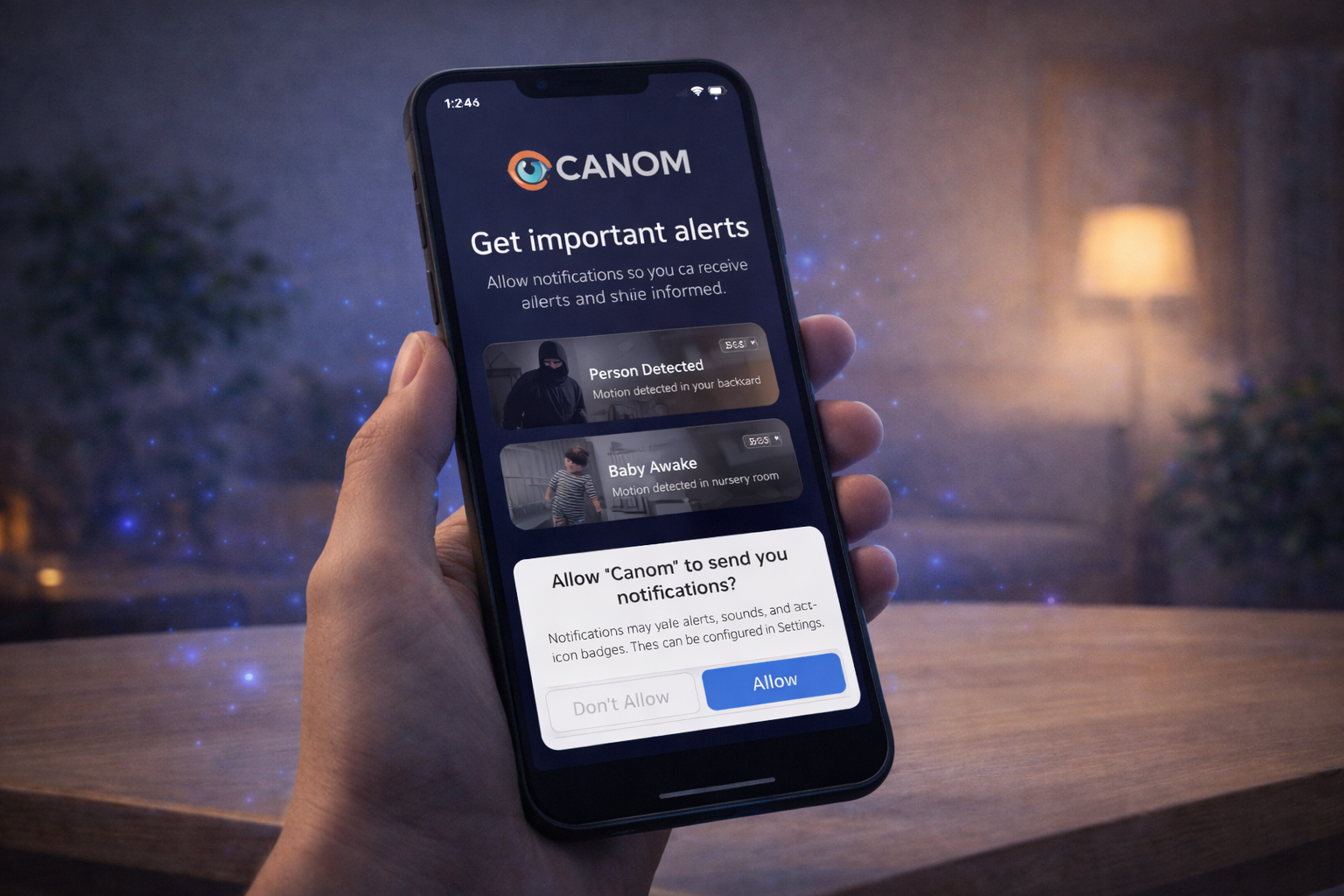
AI-Powered Alerts
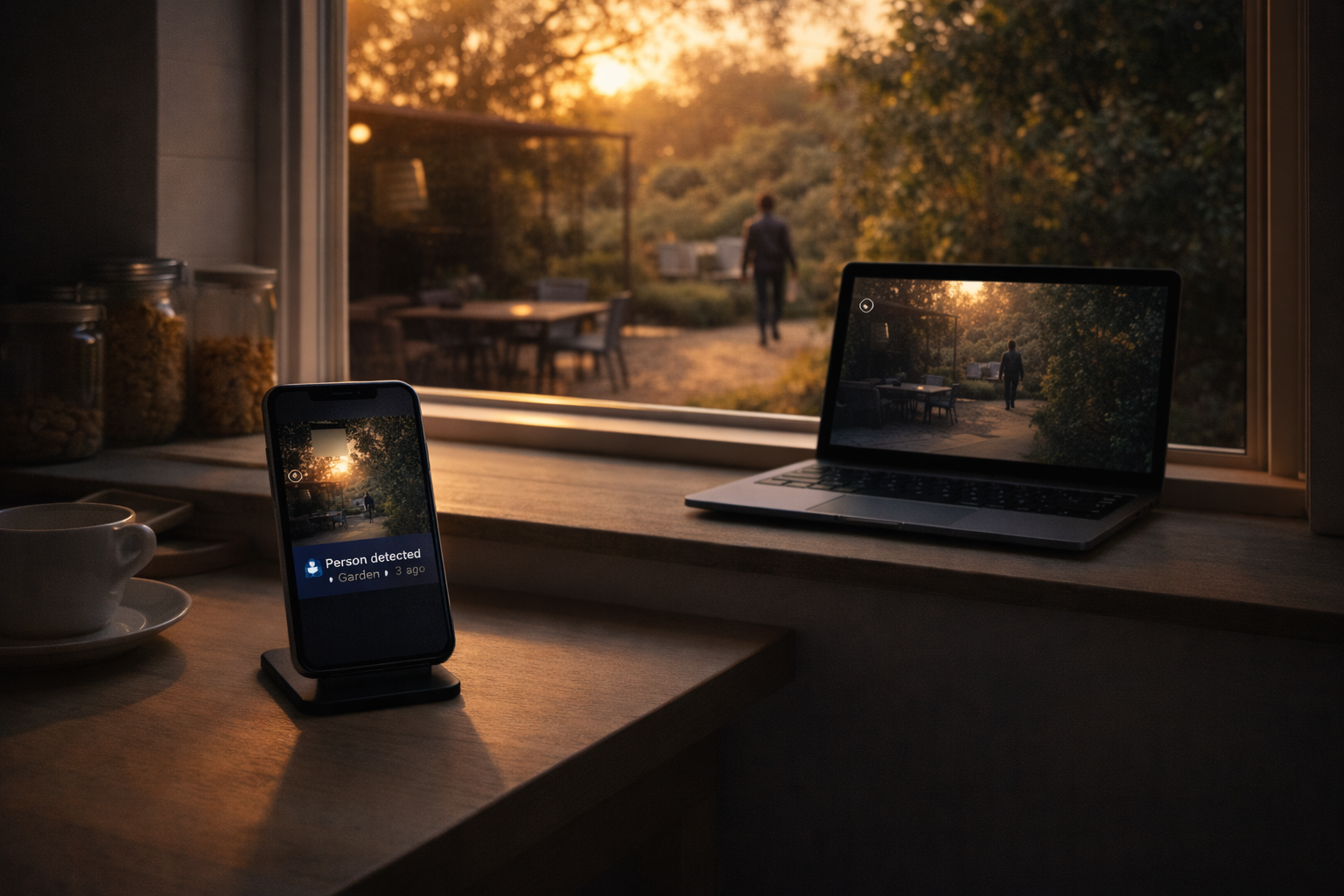
Motion, people, pets and events detected in real time. When AI features run, video can be sent to Google Gemini for analysis.
Live Rooms for Any Space
Watch live video from your phone or desktop. Jump into live rooms with one tap.
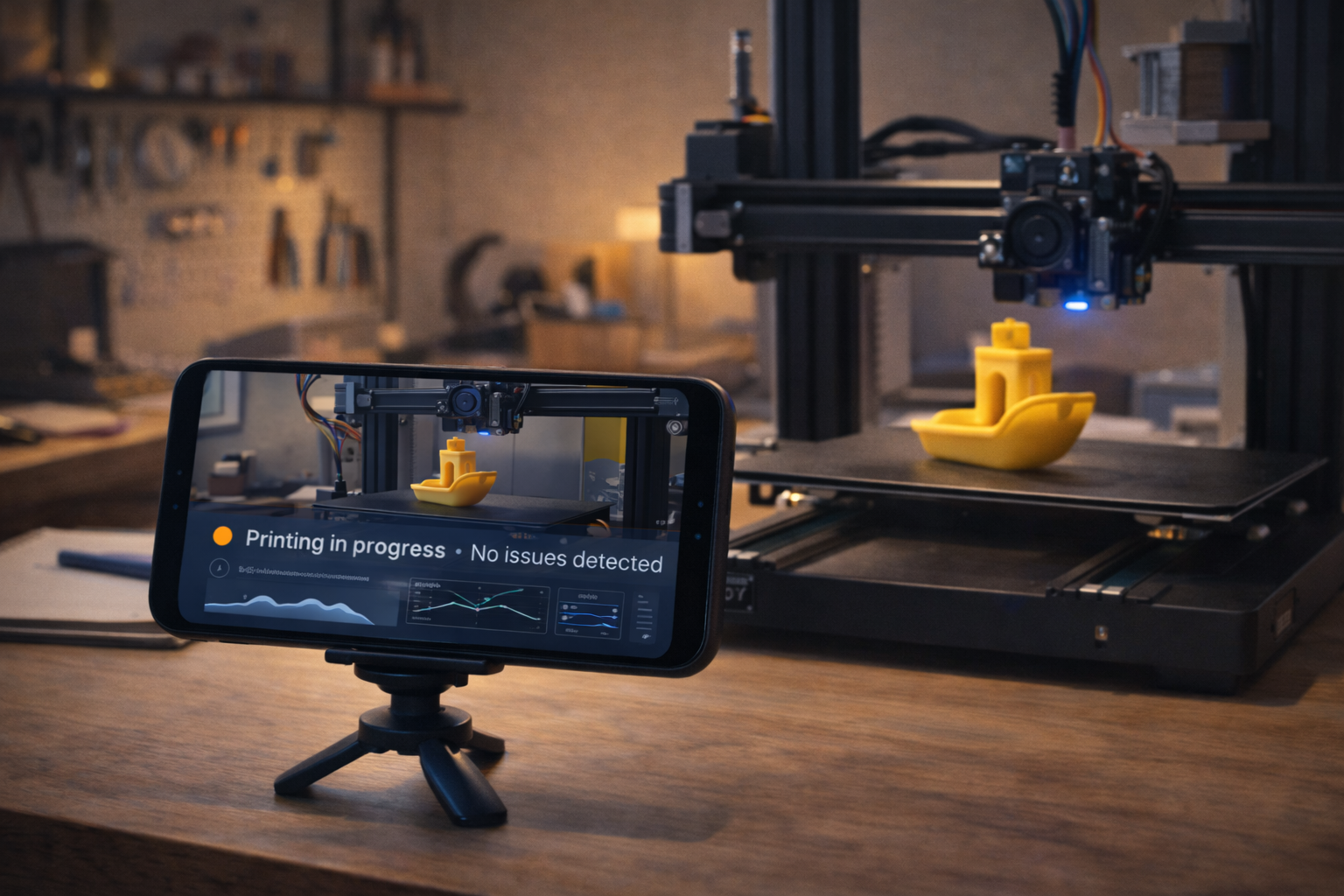
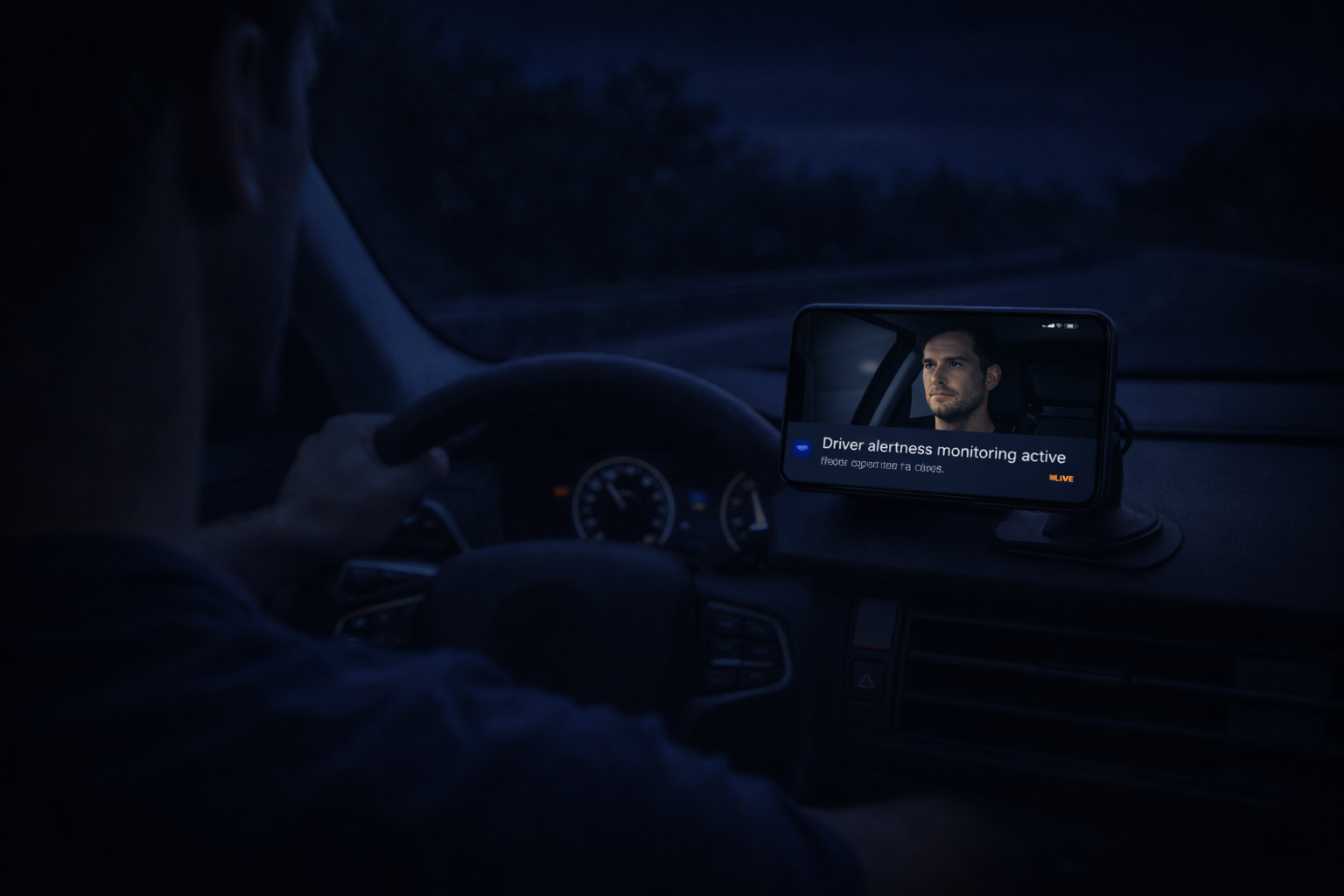
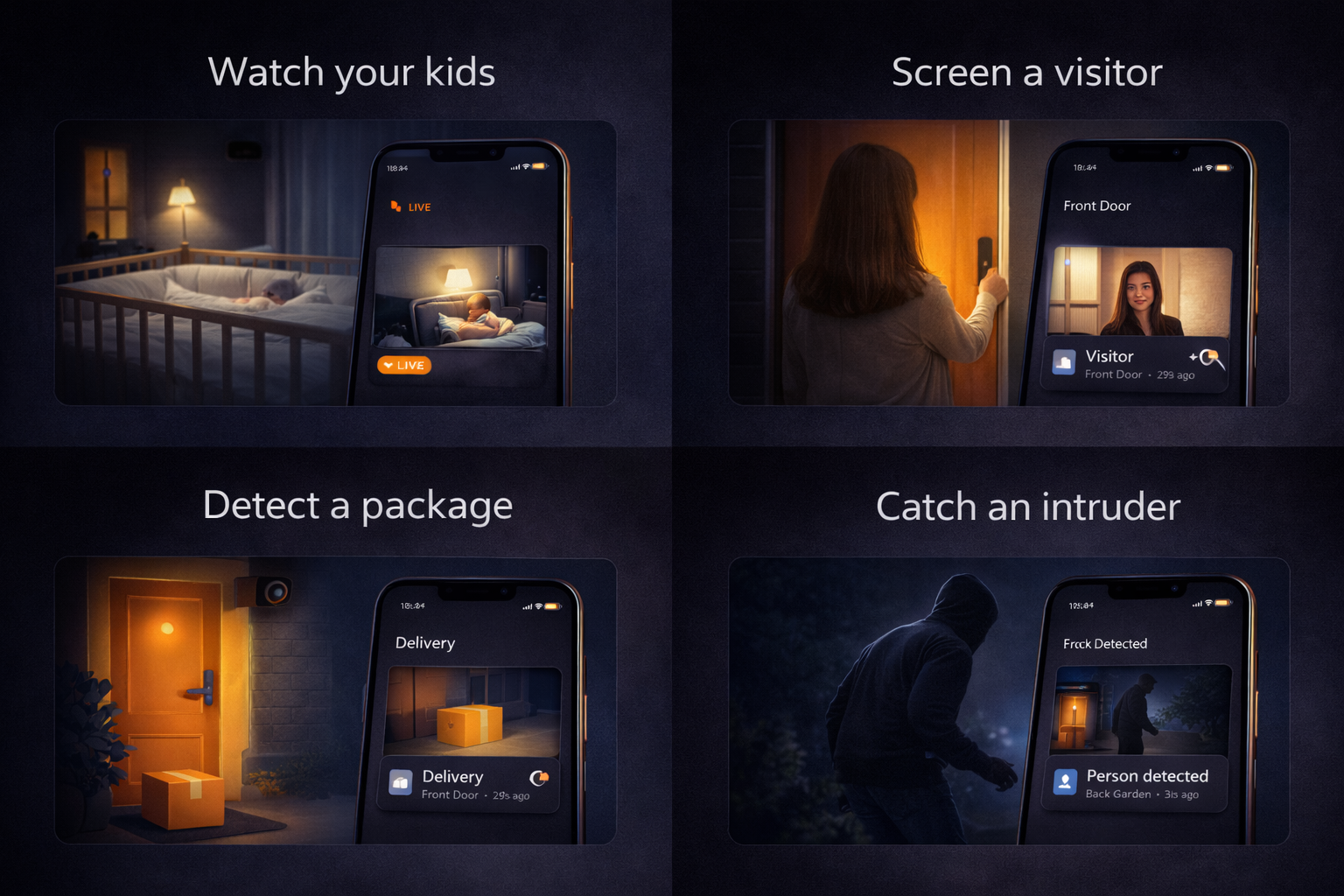
Perfect For Every Need
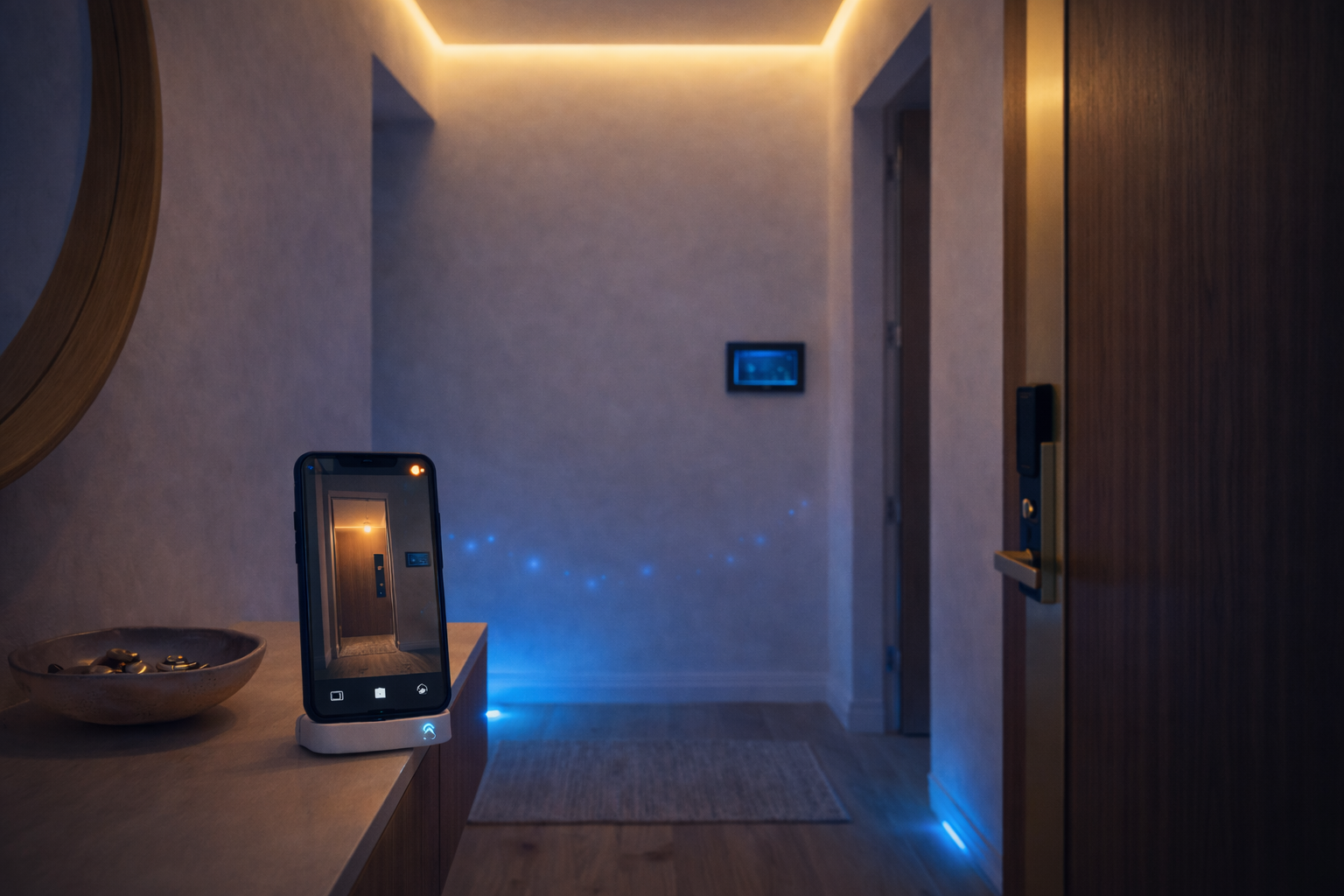
From home security to business monitoring
Your Free Beta Access
Ocanom is fully live and ready to use — with exclusive perks for early adopters.
- Free for life perks
- 1 Free Device
- Generous AI time allowance
- Full feature access
No pricing page, no waiting list — just sign up and start monitoring.
How It Works — In 3 Simple Steps
Get started in minutes
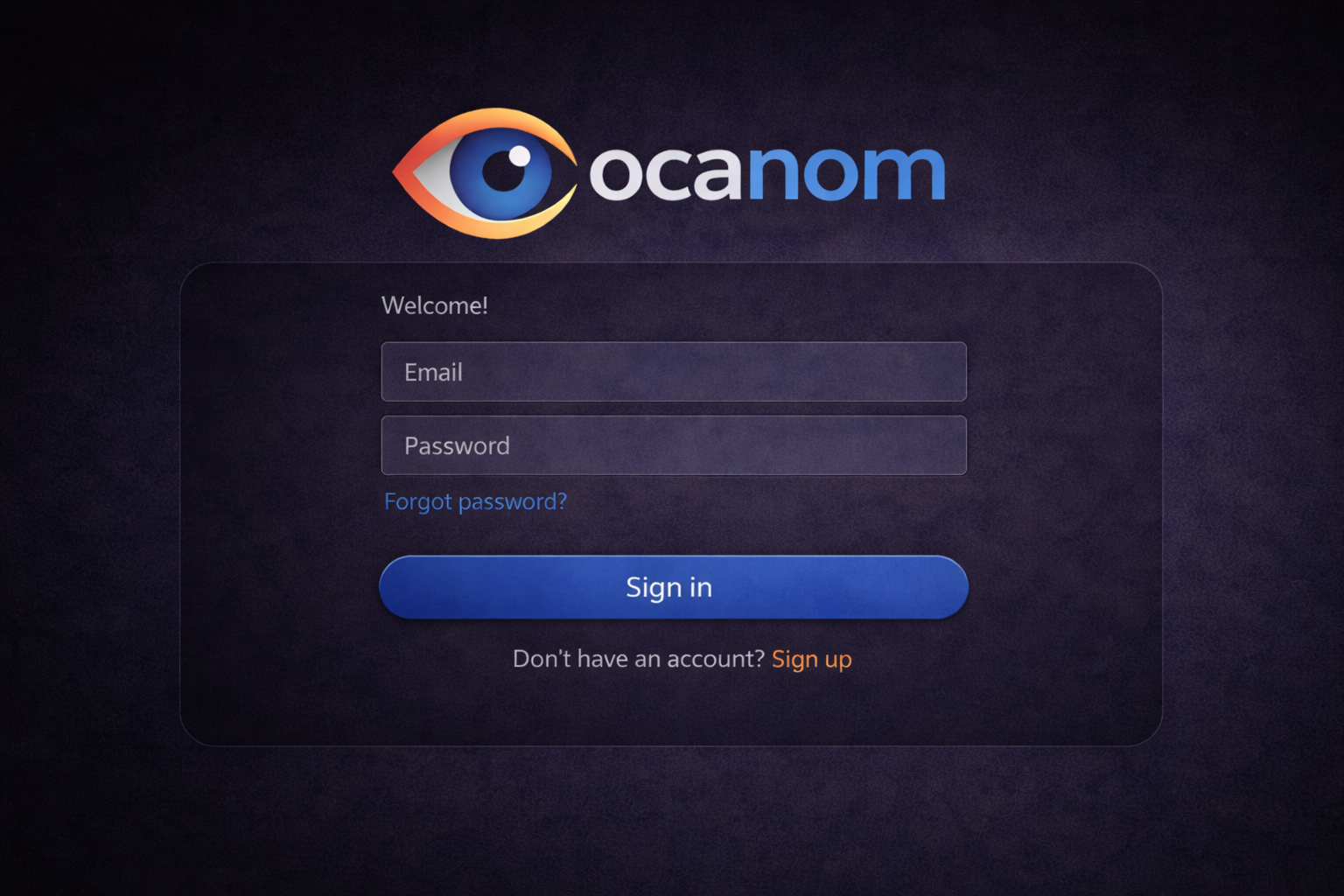
Create your account
Open the web app or the Android app and sign up. One account connects your devices.
Add your camera/device
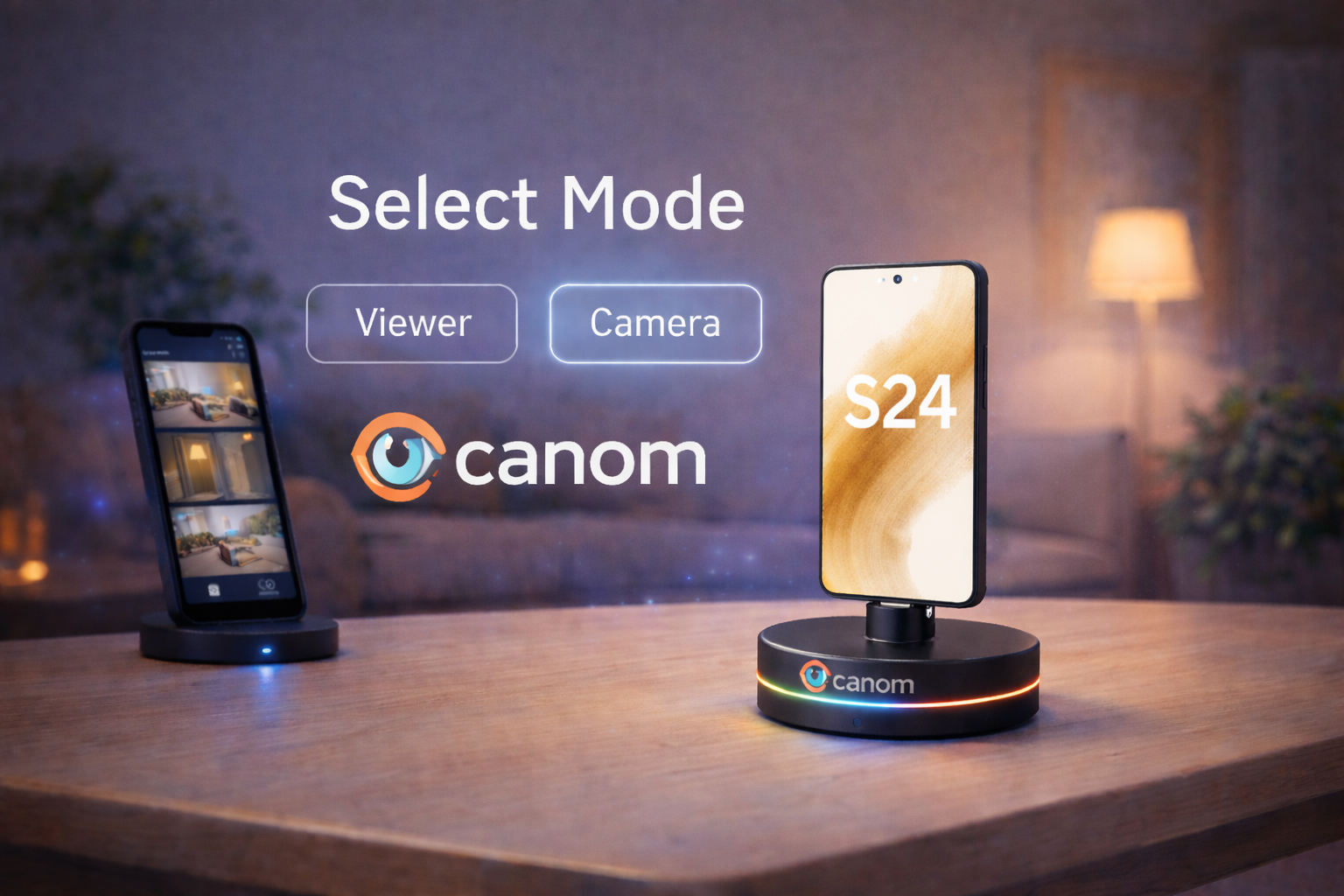
Add a phone, tablet, computer, or RTSP camera and choose Camera. Watch from the web app or the Android app as Viewer.
Start monitoring
You are live. Get alerts for motion, people, and pets in the web app or the Android app.
Privacy first, always
Your home is your private sanctuary. We built Ocanom to keep it that way.
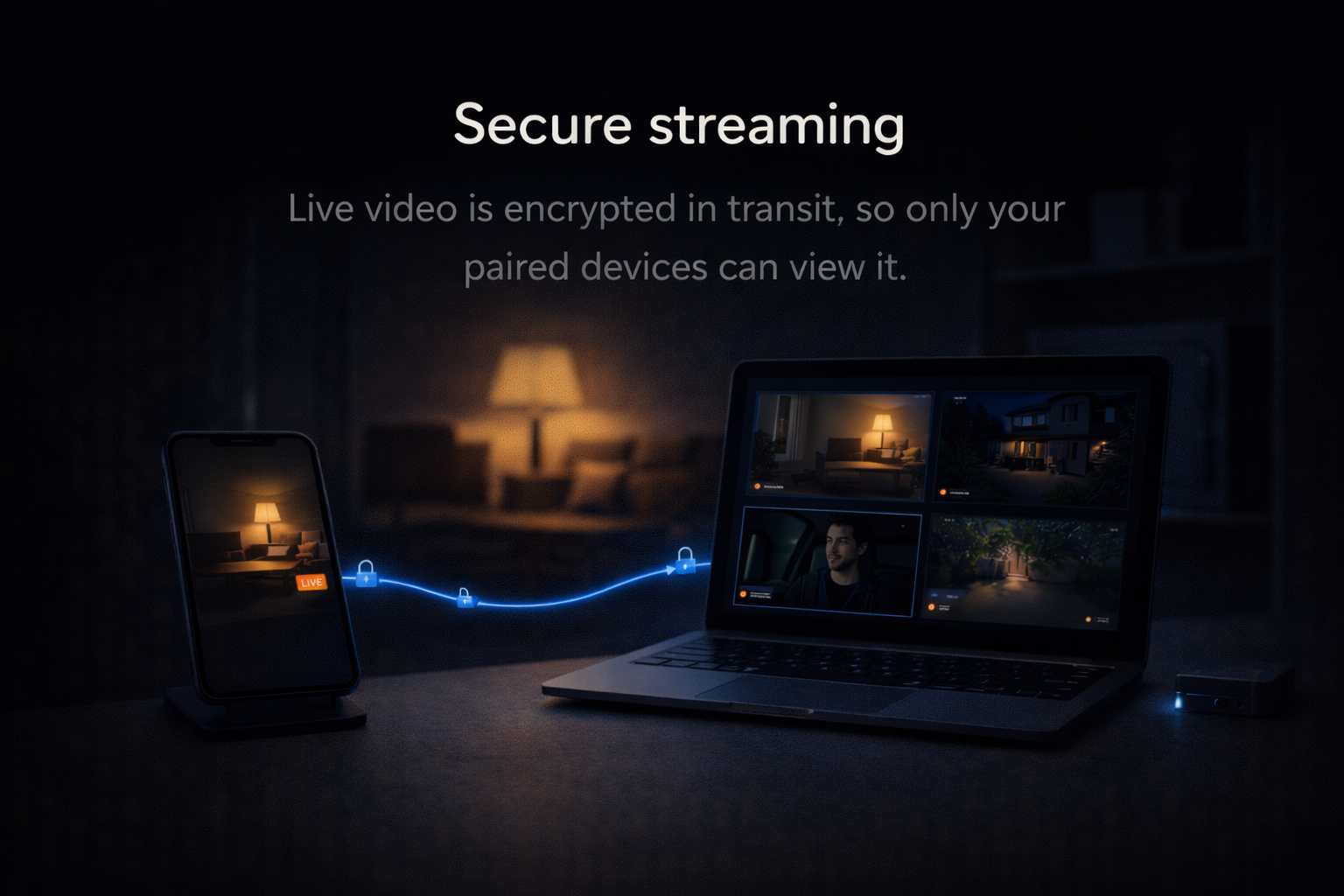
🔒 Protected in transit
The connection between a camera and a viewer is protected in transit.
⚡ Google Gemini analysis
When AI features run, media may be sent to Google Gemini for analysis. Video feeds are processed in real time by Google's Gemini AI. We do not receive, store, or have access to the raw video data processed by Gemini.
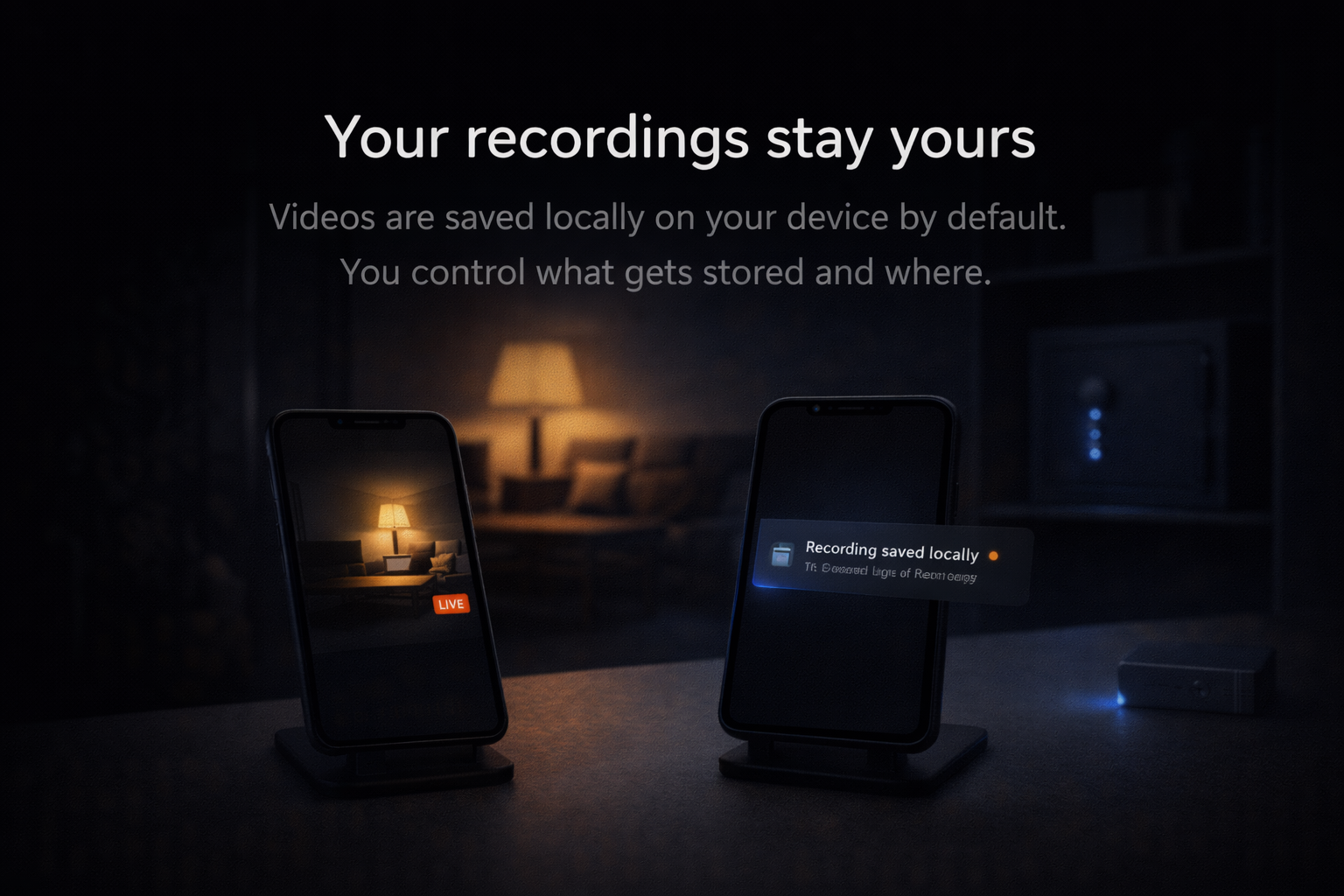
🛡️ Video is not stored
We do not store, record, or retain any video footage. Streams are processed in real time and are not saved on our servers.
Frequently Asked Questions
Will this stay free?
Yes. Your early access perks will be honoured for life on your free device.
Is there a pricing plan?
Full pricing will be announced later — beta users get exclusive perks.
How does AI detection work?
Ocanom uses advanced AI models powered by Google Gemini to analyze video feeds in real-time. The system can detect motion, identify objects (people, vehicles, animals), and send instant alerts when specific events occur. All processing is handled securely, and full video streams are not stored—only event metadata and optional thumbnails.
What devices can I use as cameras?
You can use any smartphone, tablet, or computer with a camera. We also support RTSP cameras for professional installations. Simply add them as sources in the app. No special hardware is required.
Can I use multiple cameras?
Yes! The free beta plan includes 1 camera, but we are testing multi-device support. Early adopters help us shape these limits.
Do I need special hardware?
No special hardware is required. Ocanom works with any device that has a camera. For best results, we recommend using devices with good cameras and stable internet connections. Works with phones, tablets, computers, and RTSP cameras — set up in minutes.
Start using Ocanom Beta now
Sign up and start monitoring in minutes. No new hardware required.
Get started – no waiting list